The professional AI development studio
Not another VS Code fork with “AI” slapped on. A ground-up studio designed for how AI-driven development actually works. We handle the complexity so you can focus on what you're building.
Live sessions, real agents, full visibility
Every session is alive. We show you what each agent is doing right now — reading files, writing code, running commands — so you always know exactly where things stand.
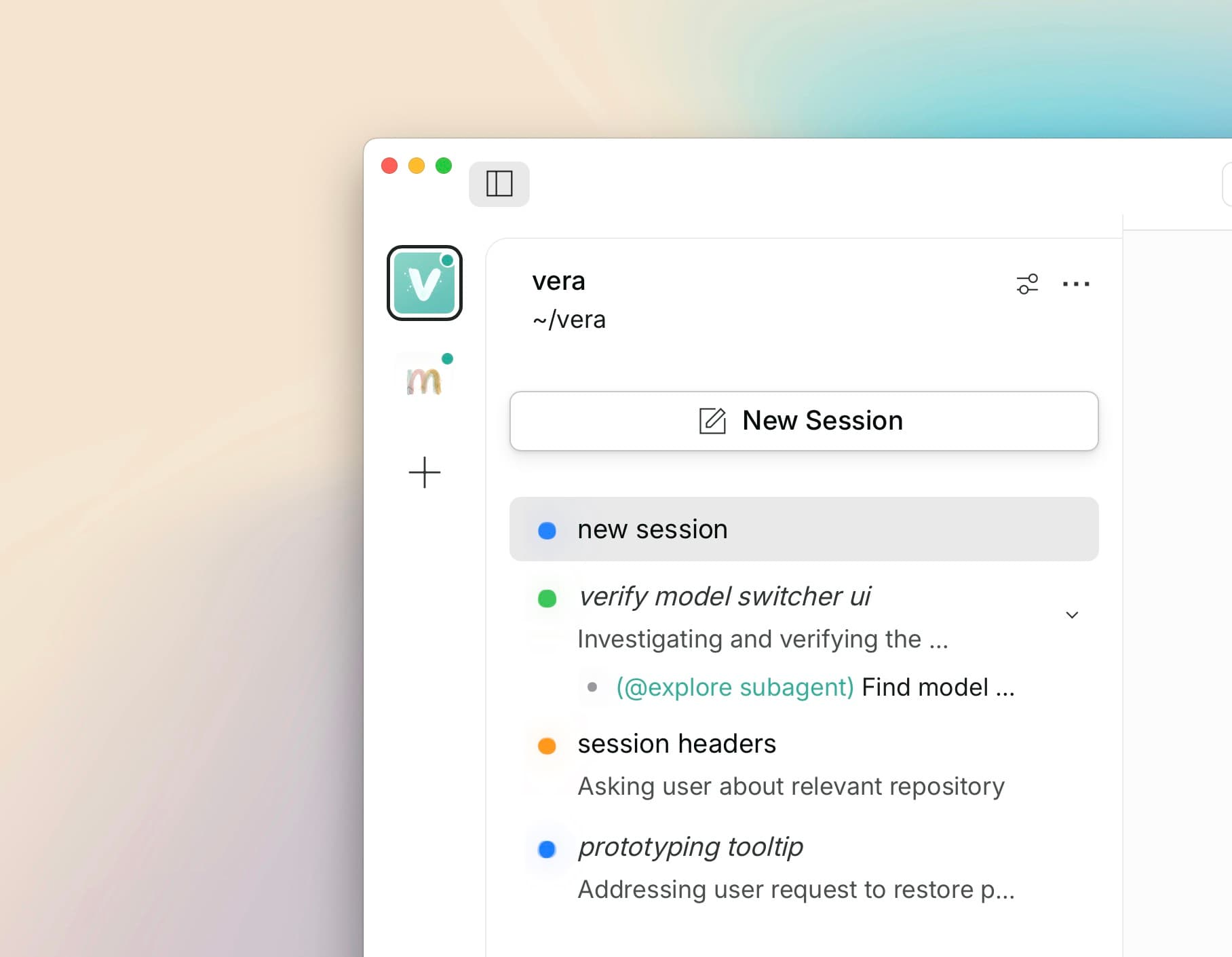
Live sessions with real-time status
No more wondering if your AI is stuck or working. We surface the status in real time.
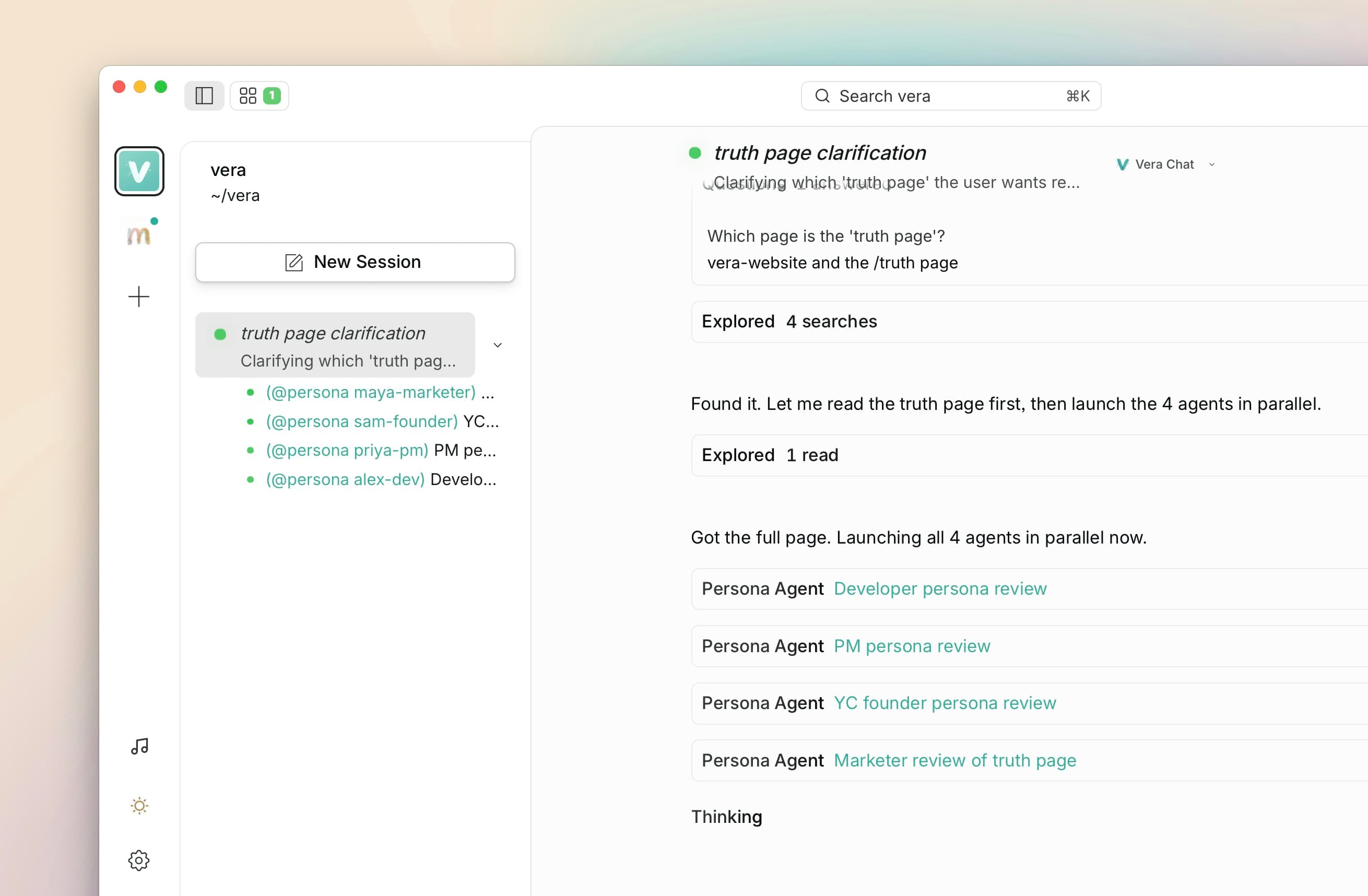
Multi-agent orchestration
We run multiple AI agents in parallel — one builds your frontend, another handles the API, another writes tests. All in isolated sandboxes so they don't step on each other.
Engineers orchestrate agents from the terminal. We make it visual so you can see exactly what's happening.
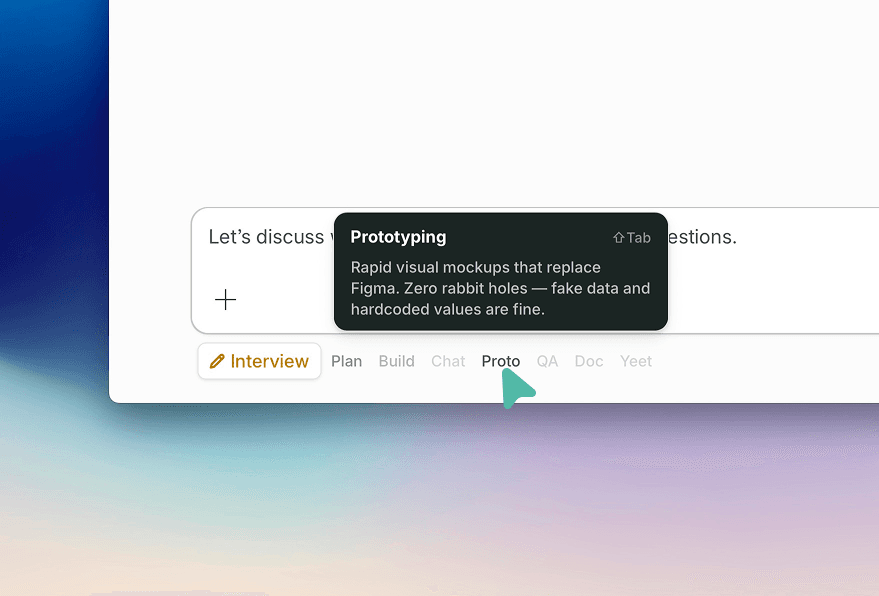
Dedicated modes for every task
Plan, Build, Prototype, QA Review, Yeet — each mode gives the AI clear behavioral boundaries and defaults to the best model for the job.
Different tasks need different approaches. We've encoded that into the system so the AI behaves the way you'd expect.
See everything as it happens
Watch your app take shape in real time. Monitor all your sessions at once. We handle the complexity so you stay in control.
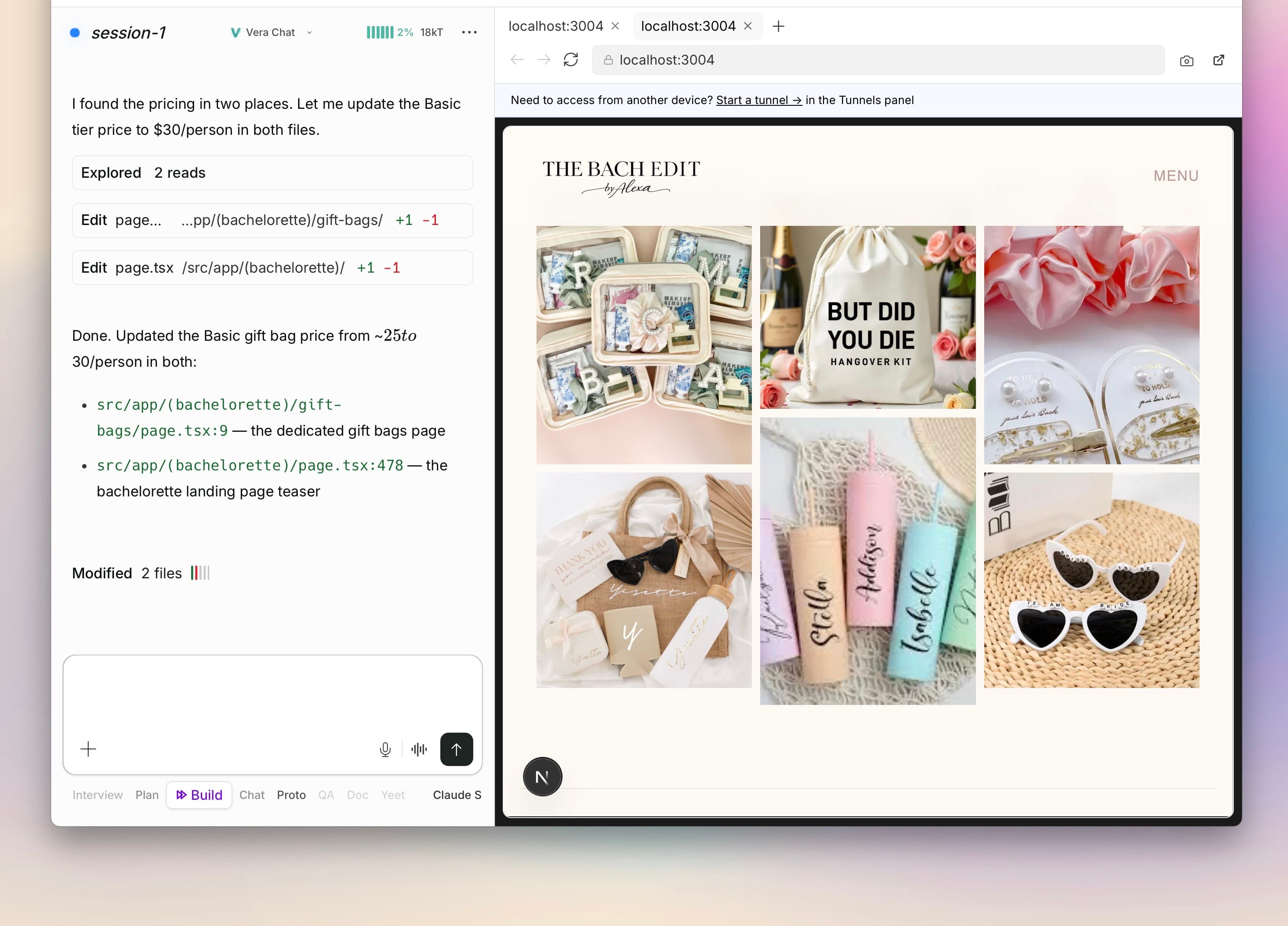
Live browser preview
We handle the refresh cycle so you get instant feedback as agents make changes — with a built-in screenshot tool for review.
Engineers configure HMR with Vite or Webpack. We set it up automatically so you never have to.
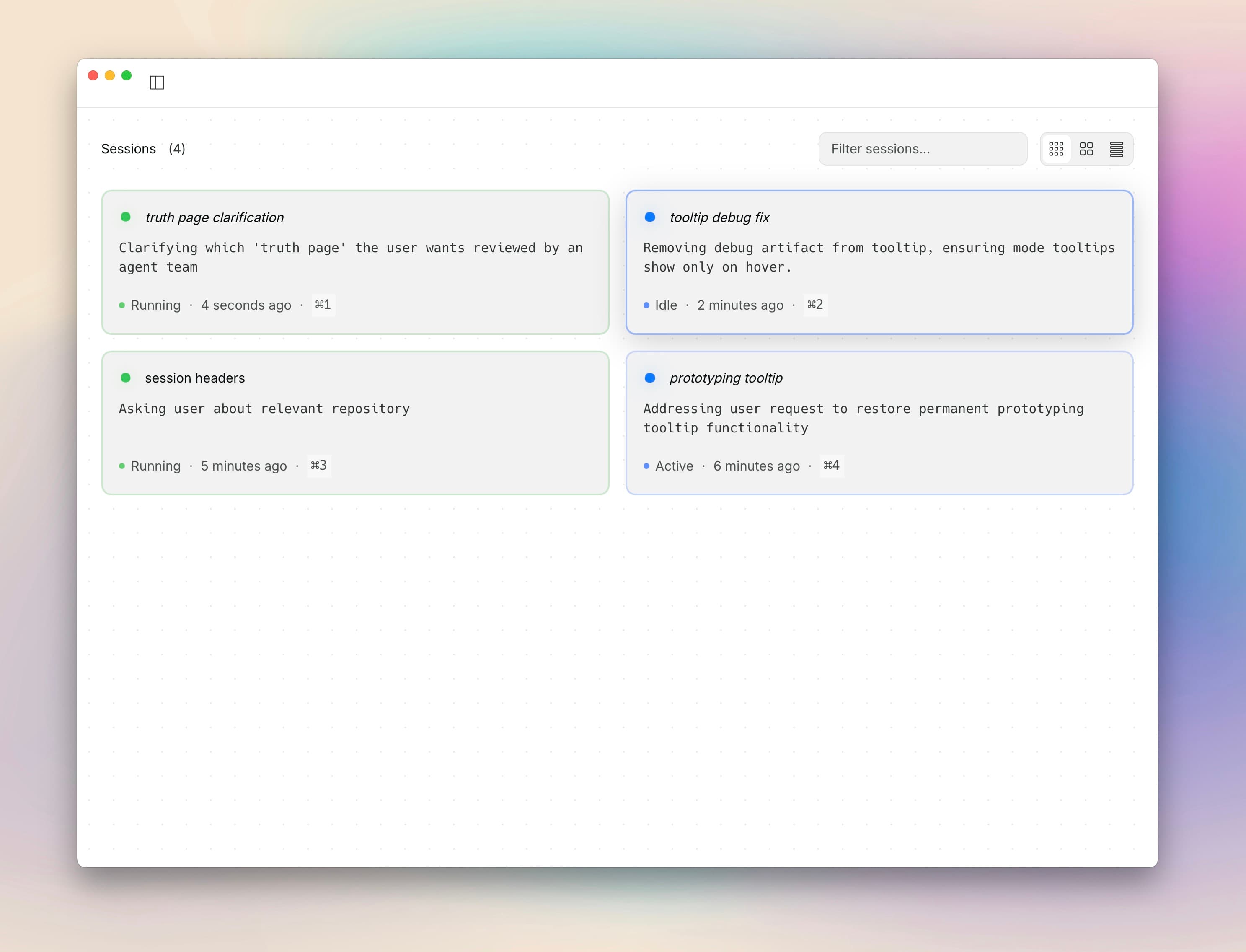
Grid view for multi-session monitoring
Monitor all your sessions at once. See what each agent is doing, which ones need attention, and jump into any session with a click.
When you have multiple projects or agent teams running, grid view keeps you in control.
Vera Cloud with curated models
Claude, GPT, Gemini, DeepSeek, MiniMax, Qwen, and more — all in one place. We pick the right model for each task with curated defaults, and if a provider goes down, we switch to a fallback instantly.
One account, one bill, full transparency. Bring your own keys or use ours.
See all models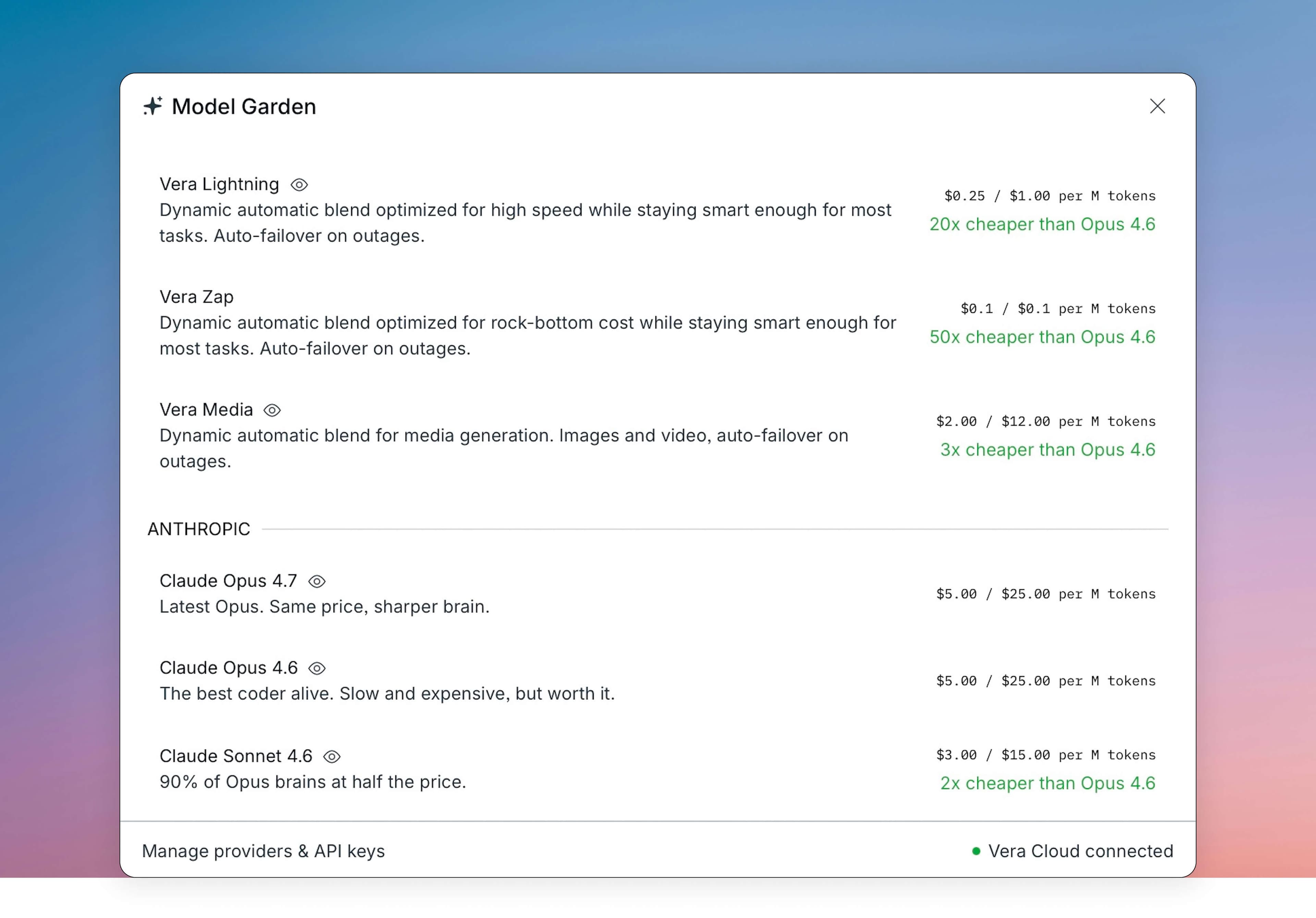
Built for real projects
Professional infrastructure — version control, project tracking, extensible skills, and a knowledge base your AI reads automatically. Everything engineers need, handled for you.
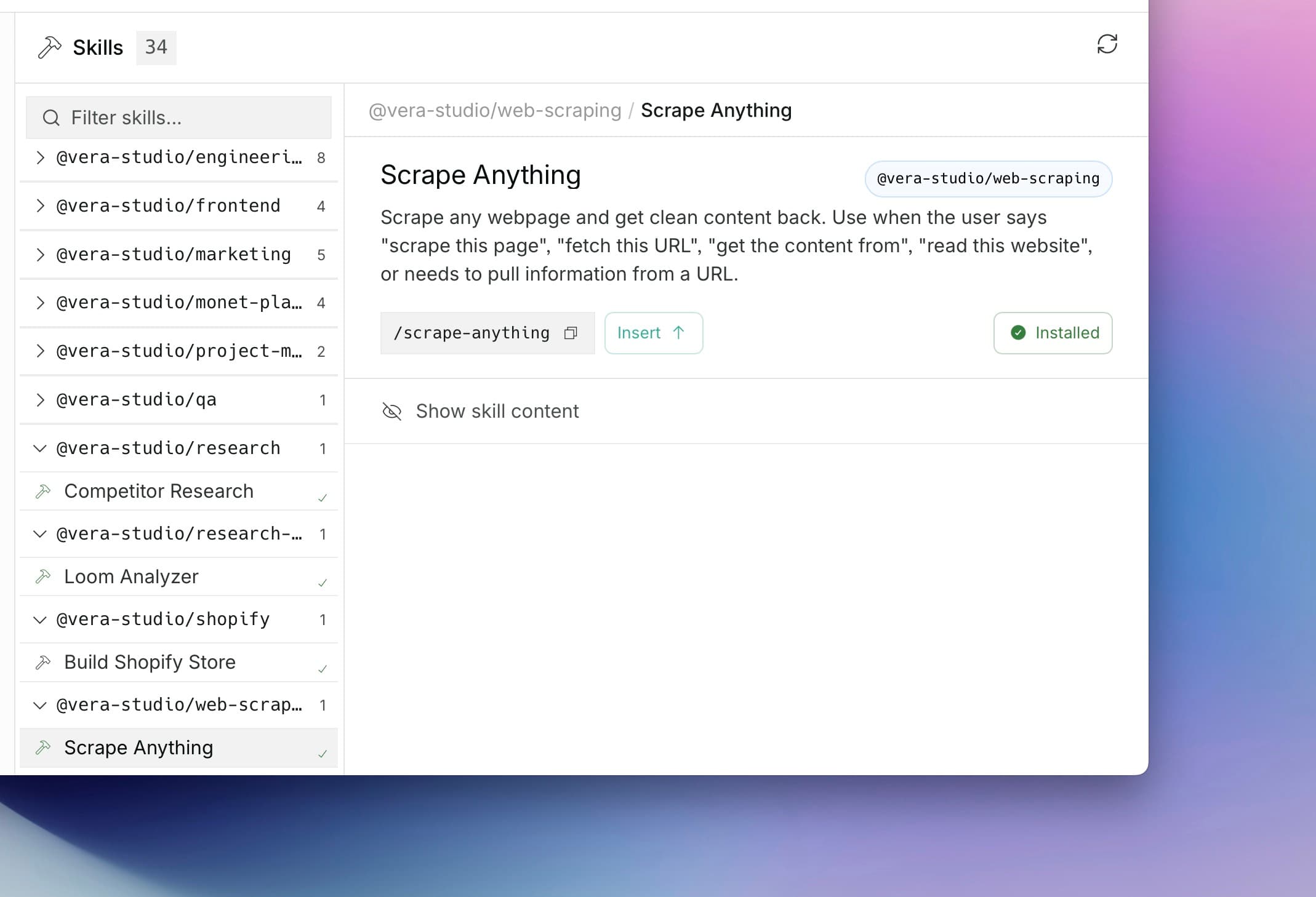
Skills that extend what your AI can do
Pre-built skills for common tasks — Stripe payments, email, UGC scripts, product photography, and more. Install what you need and we handle the rest.
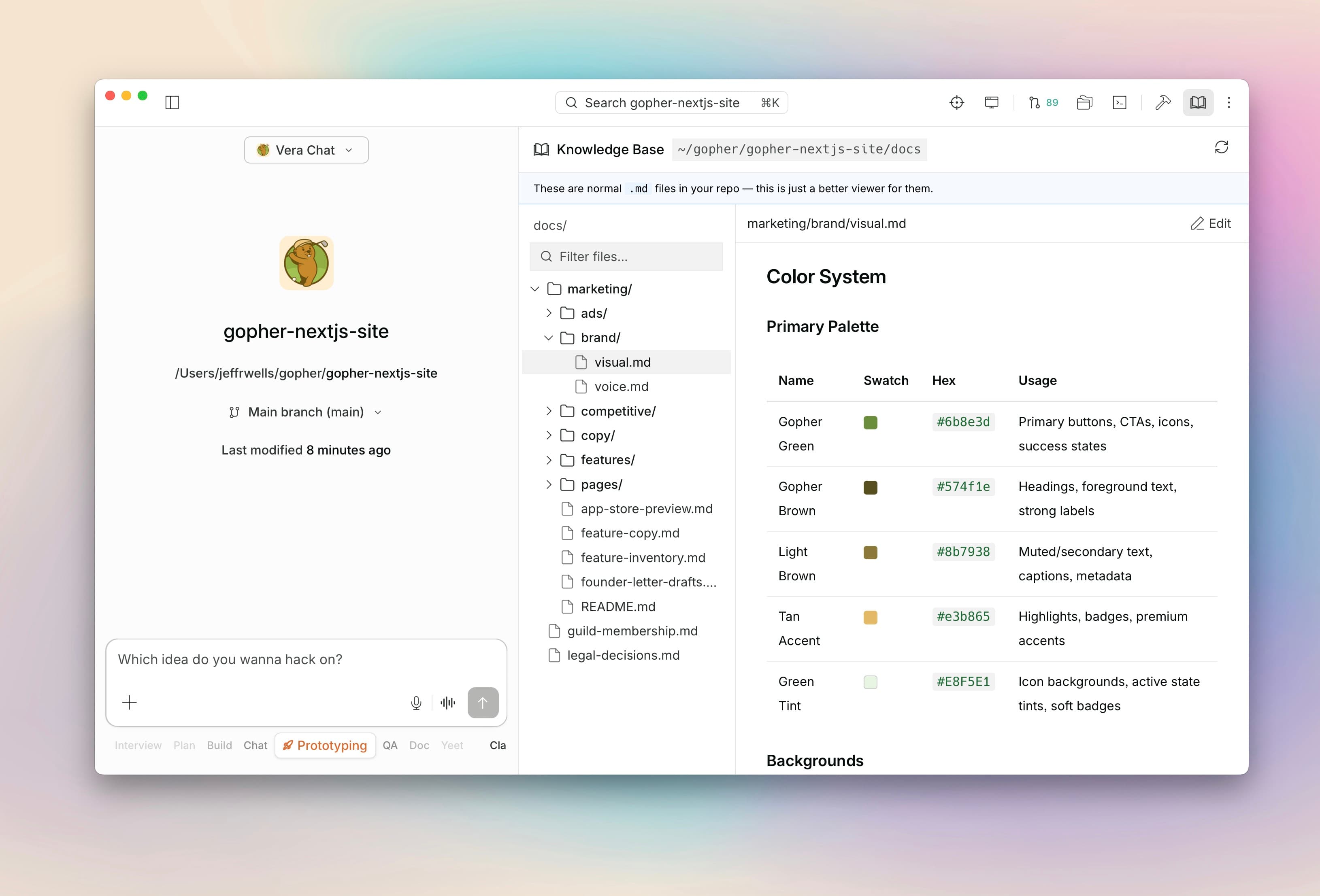
Knowledge base your AI reads automatically
Add your project docs, style guides, and API references. We give you a built-in markdown editor, and your AI reads everything automatically.
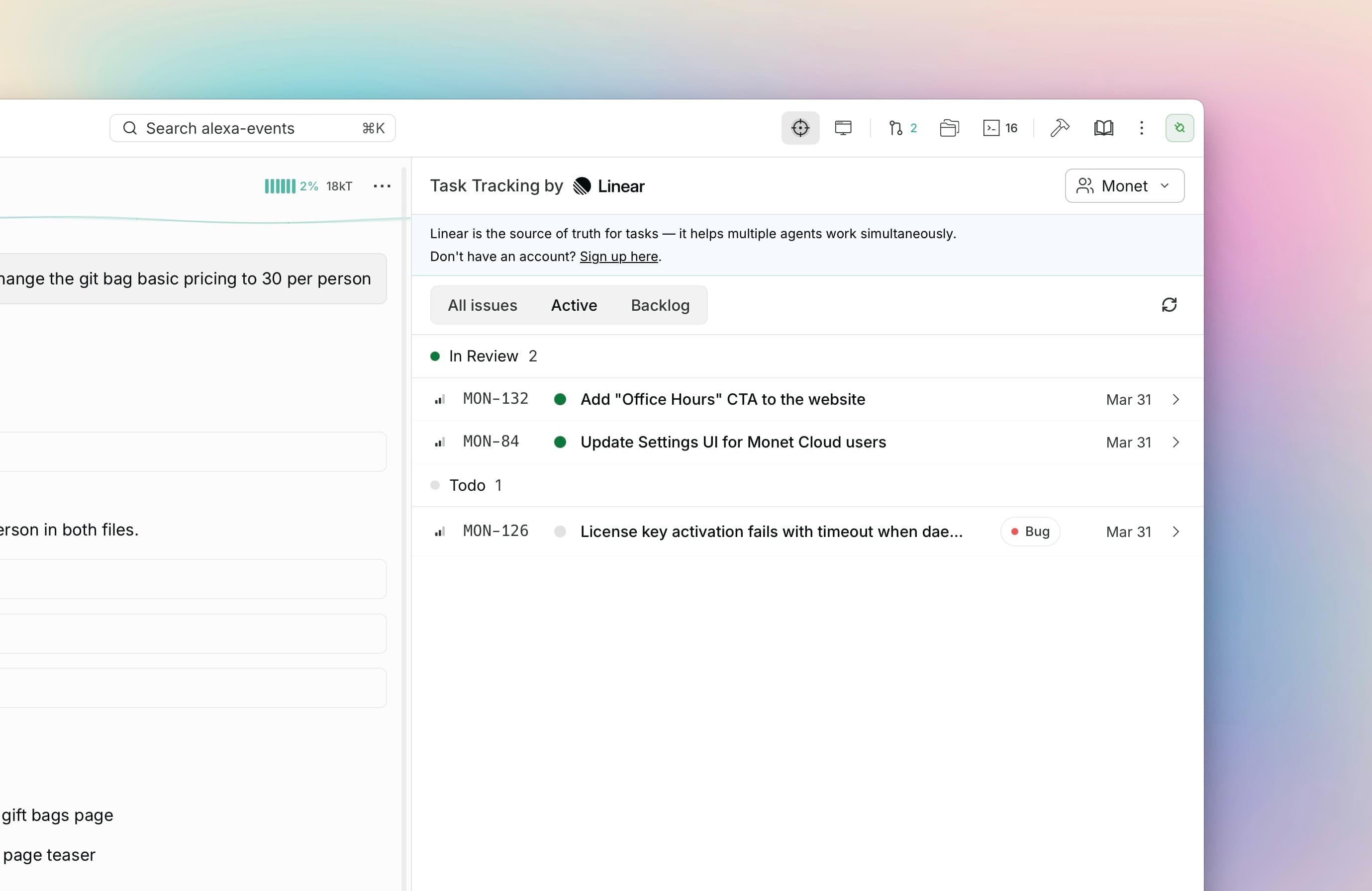
Linear integration for project tracking
Create tickets, track progress, and close issues without leaving Vera. Your AI can read Linear context and file issues as it works.
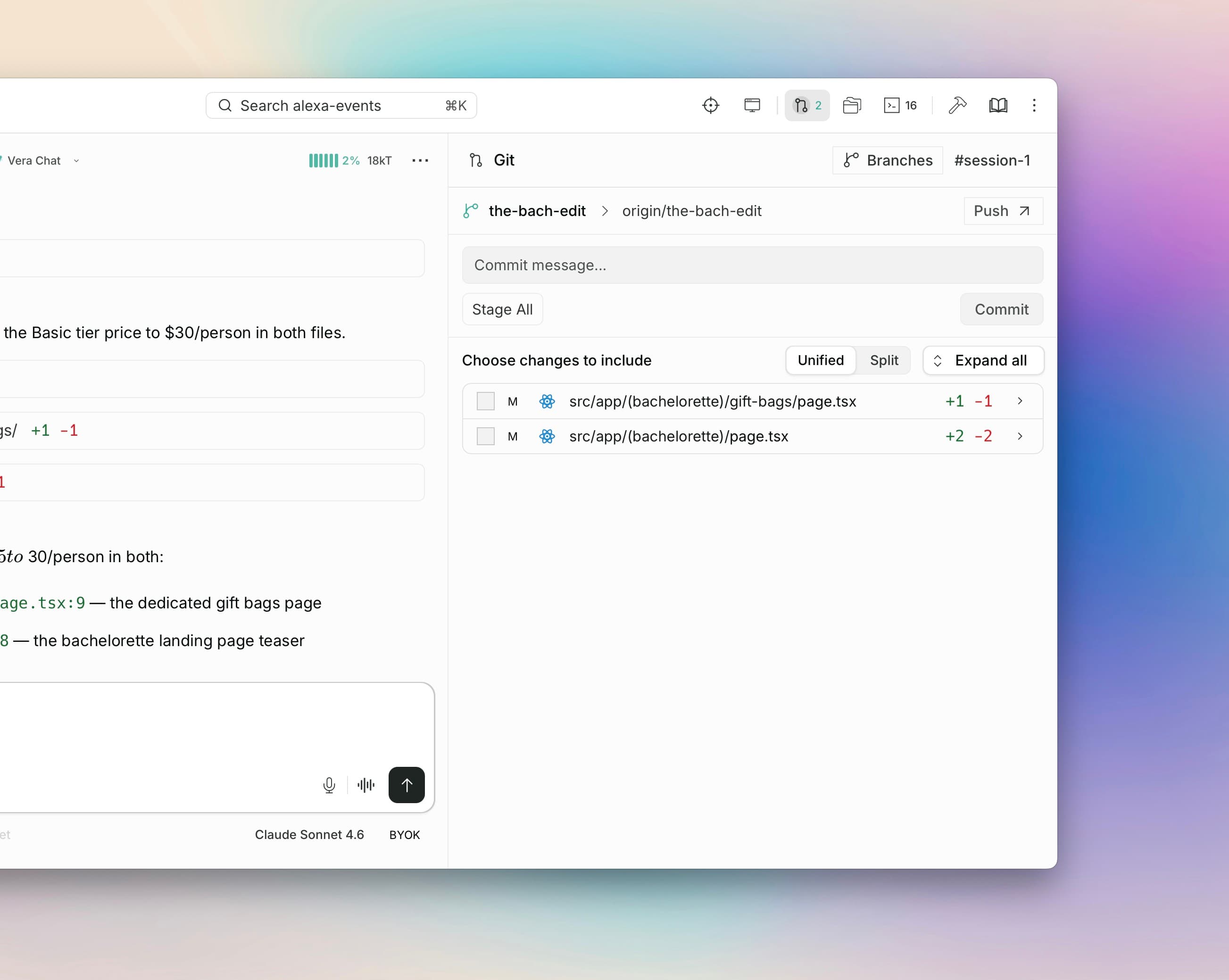
Built-in git version control
Every project is a real git repo. We manage the branching, committing, and pushing so you get professional version control without the learning curve.
Ready to build something real?
Vera Studio is free to download. Professional tools, no gatekeeping.
Get started on macOS